Method 1
Copy, paste, and create
Best for copied URLs.
- Download CookClip from the App Store
- Copy a recipe URL.
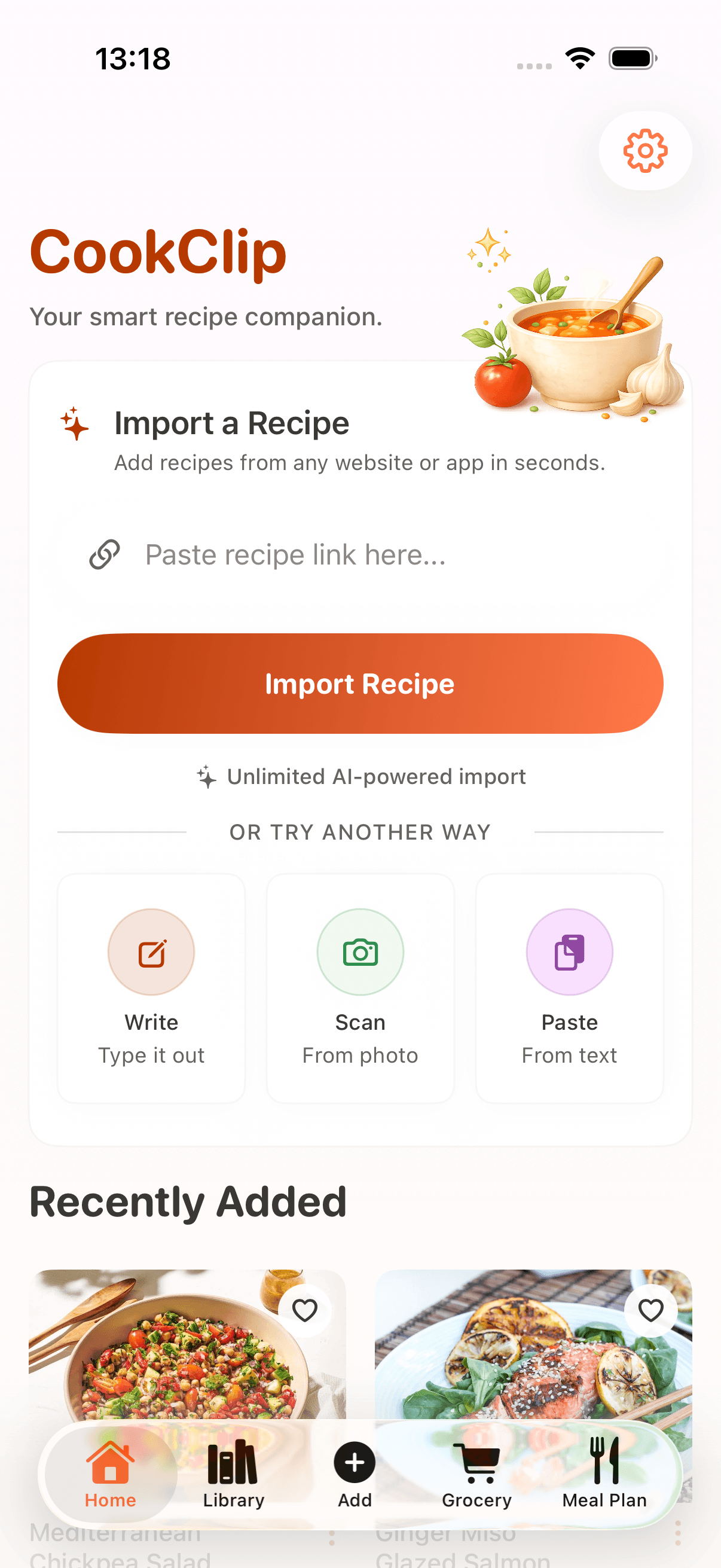
- Paste it in CookClip and tap Import Recipe.
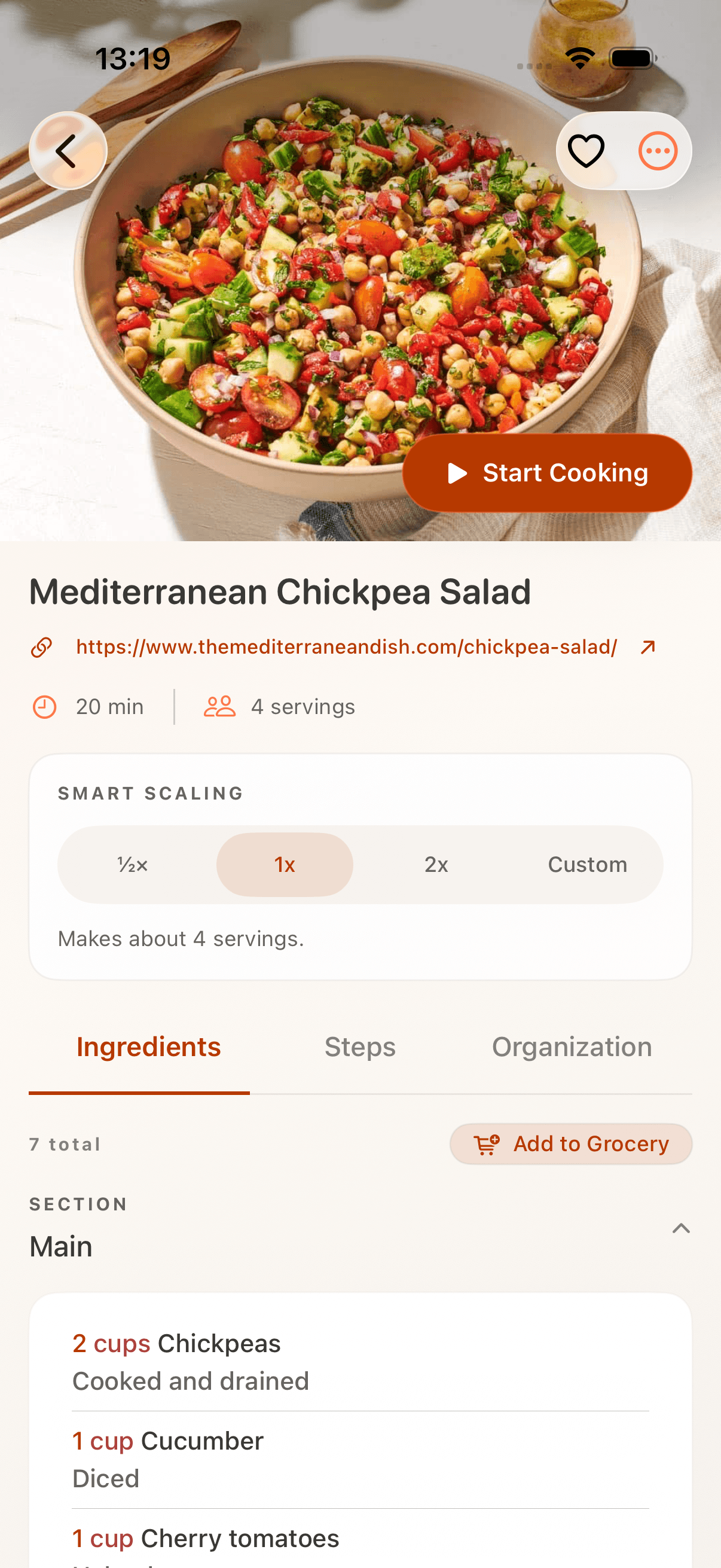
- Review, then tap Create Recipe.
Good for captions, browser tabs, messages, and notes.
AI recipe organizer for iPhone
Import links, videos, notes, and photos into a clean cookbook with meal plans and grocery lists.
Free to try · No account required · iOS 17.5+
Works with
Import recipes
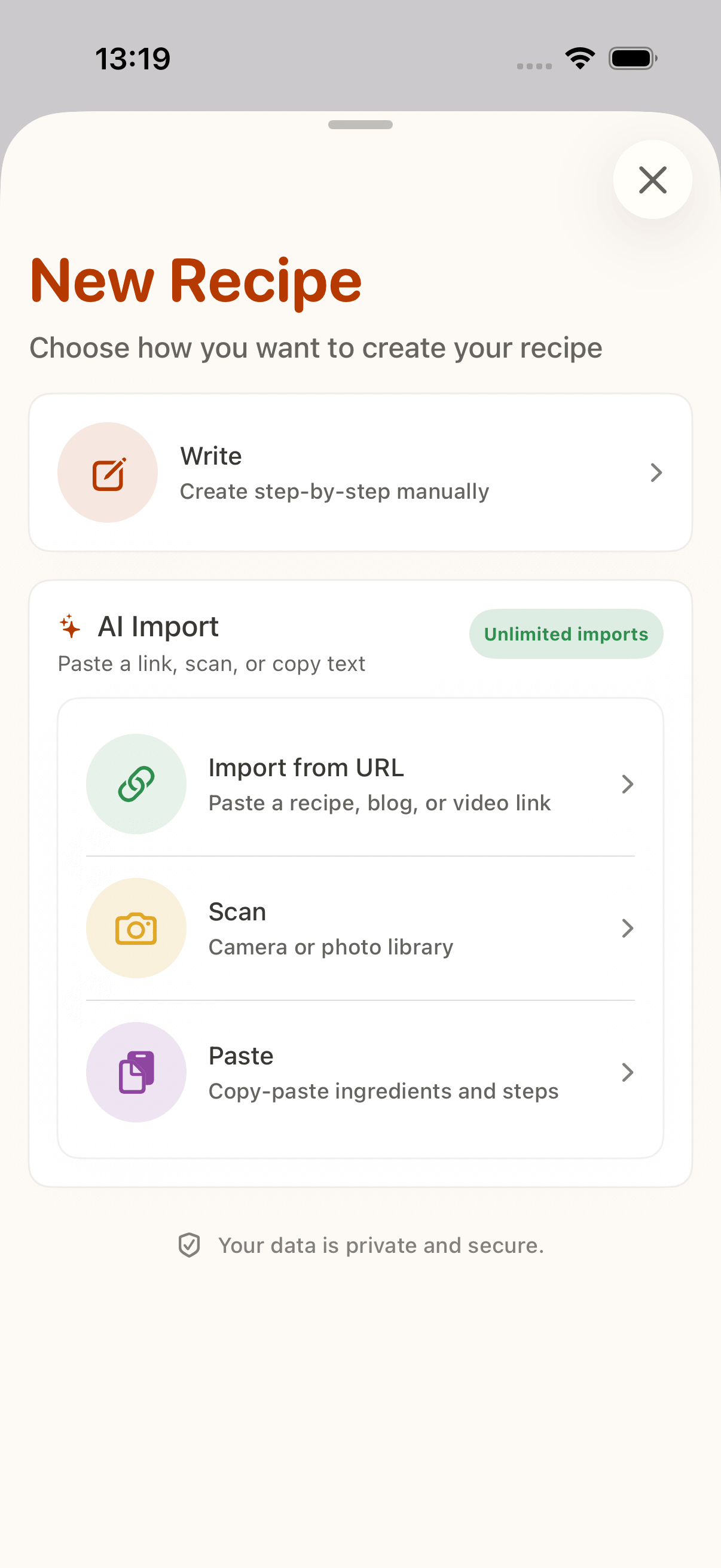
Paste a URL or share directly from TikTok, Instagram, YouTube, Facebook, Safari, Pinterest, food blogs, or recipe sites. Review before saving.
Method 1
Best for copied URLs.
Good for captions, browser tabs, messages, and notes.
Method 2
Best when you find a recipe inside another app.
Works from supported iPhone share sheets.
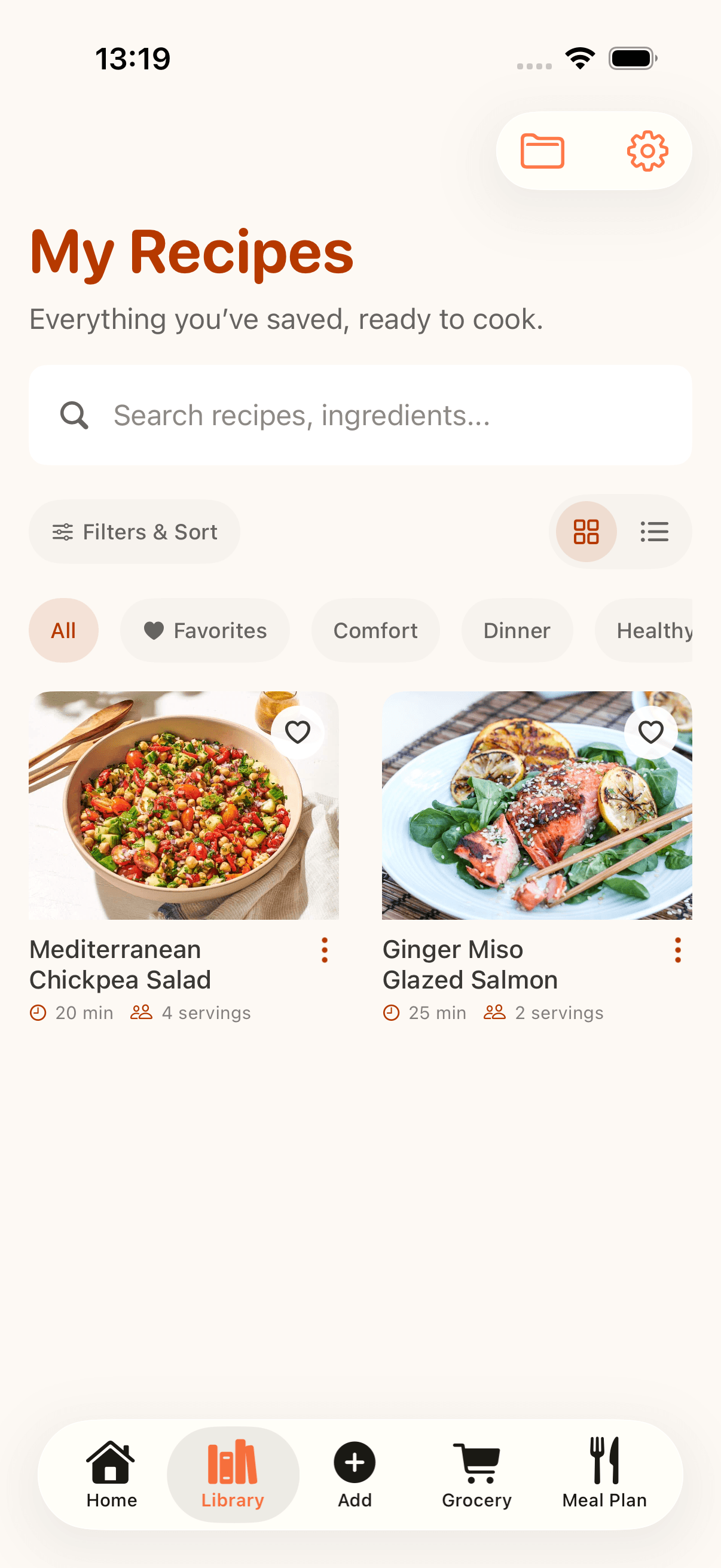
Cookbook
Keep saved recipes searchable by title, ingredient, tag, favorite, or folder, without another pile of bookmarks.
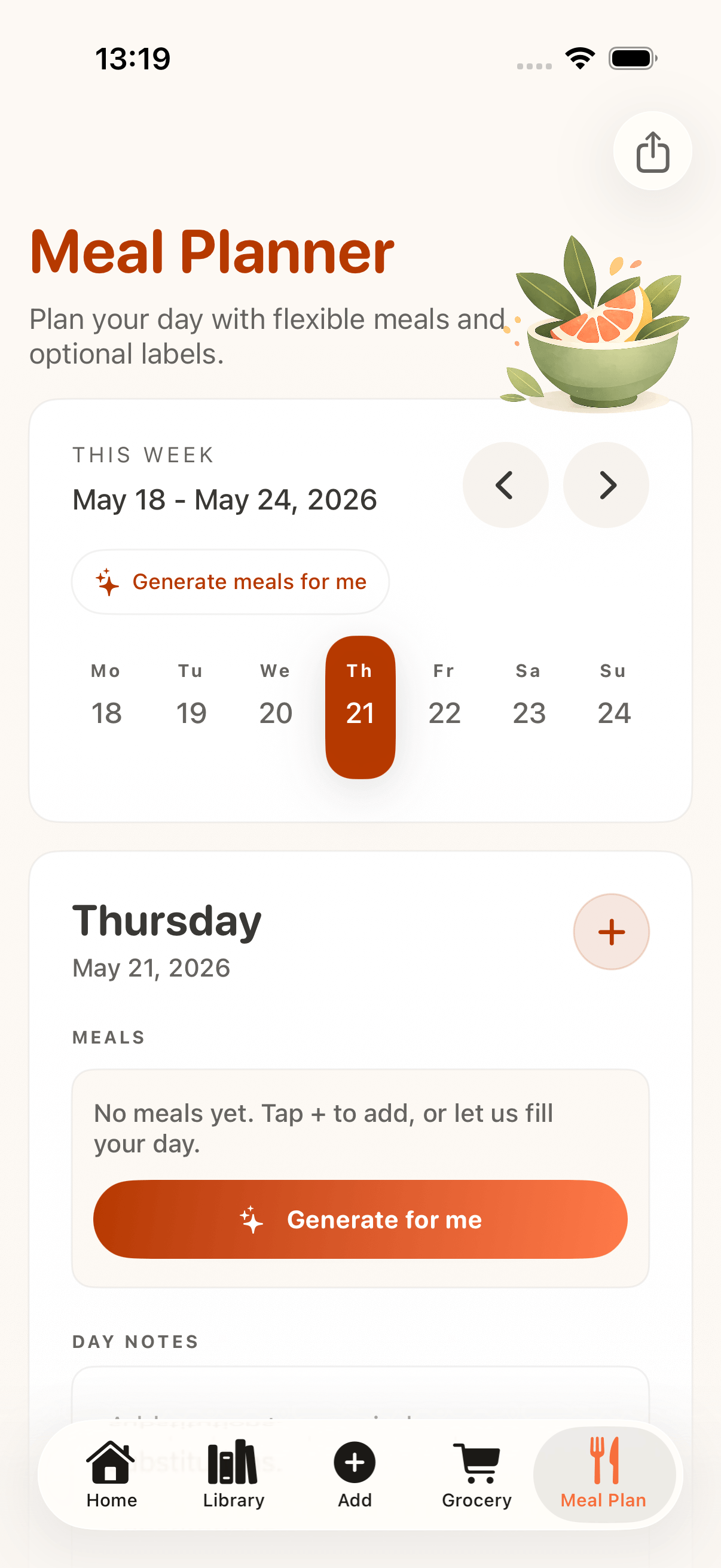
Meal planning
Pick recipes from your CookClip library, drop them onto the week, and shop from the plan.
Step 1
Start with dishes you already saved.
Step 2
Plan lunches, dinners, prep days, and repeats.
Step 3
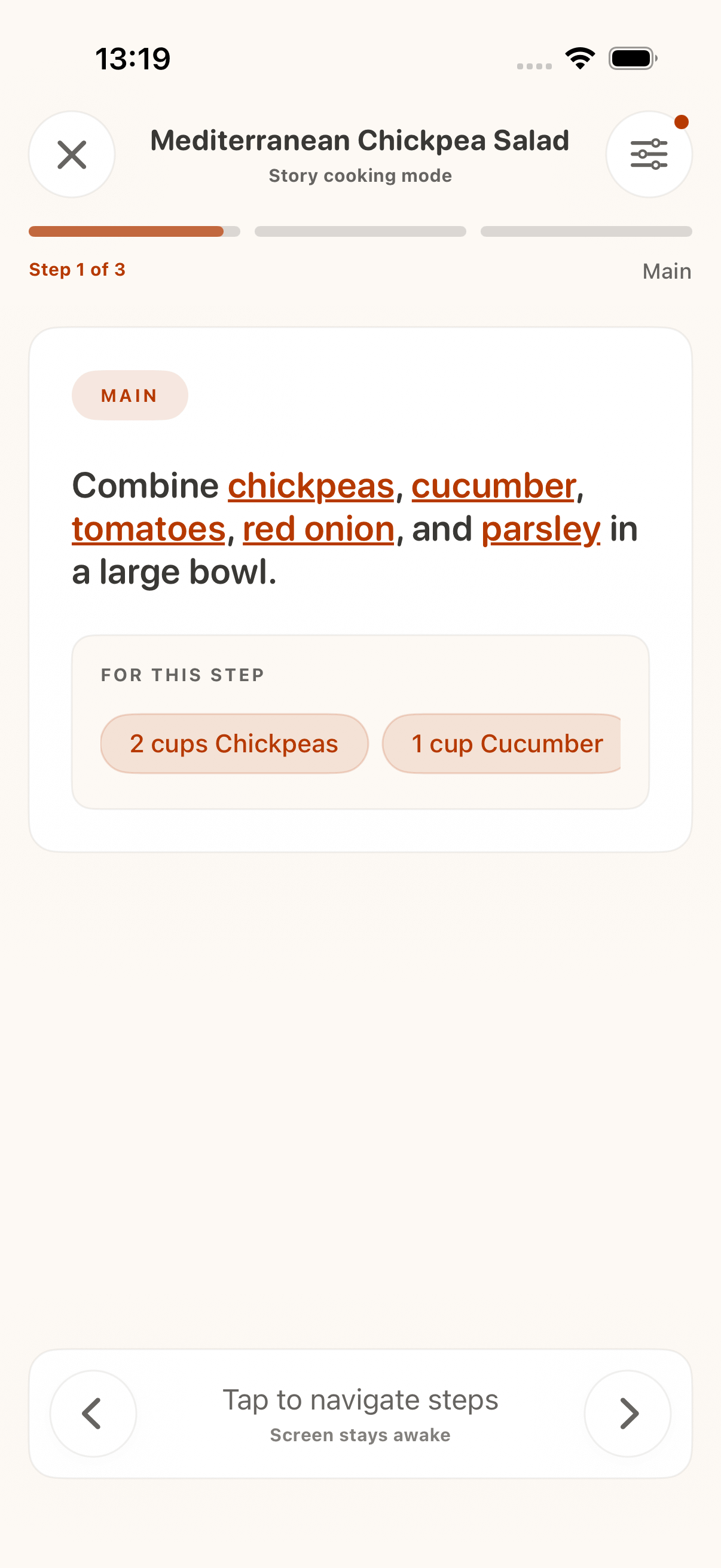
Send ingredients to grocery lists, then open Cook Mode.
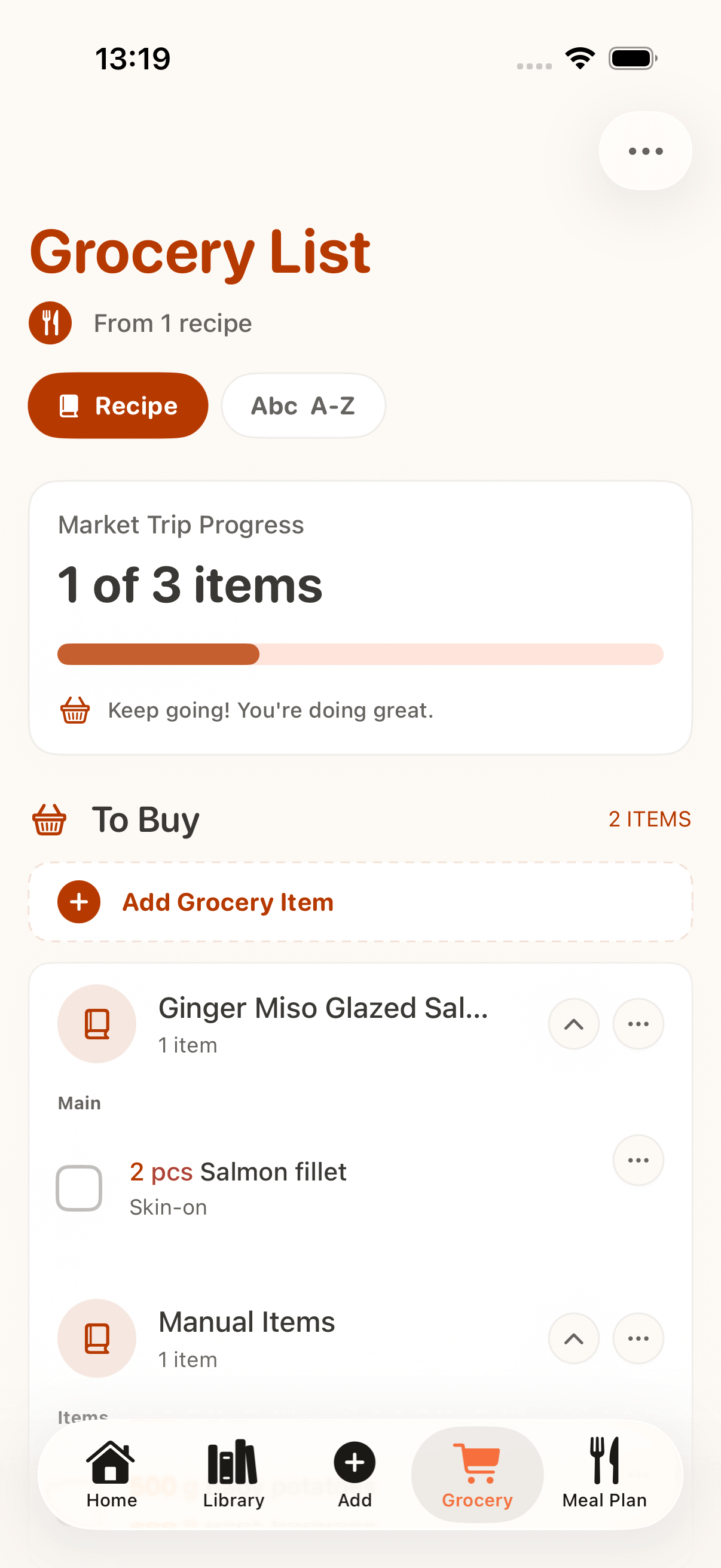
Shopping
Turn planned meals into a practical shopping list while keeping pantry staples and optional items in your control.
Cook better
Recipes live in videos, captions, tabs, screenshots, and family notes. CookClip gathers them into one iPhone cookbook.
FAQ
Paste a recipe link into CookClip, tap Import Recipe, review the URL, then create the recipe. You can also share links from TikTok, Instagram, YouTube, Facebook, Safari, or other apps.
Yes. Paste or share a TikTok recipe link, review what CookClip found, and save an editable recipe when enough recipe details are available.
Yes. CookClip can structure recipes from Instagram, YouTube, Facebook, Pinterest, websites, pasted notes, and photos when enough detail is available.
Yes. CookClip can generate grocery lists from saved recipes so ingredients are easier to review and shop.
Yes. CookClip is an iPhone-focused recipe organizer available from the App Store.
Yes. Use tags, favorites, and Pro folders to keep a searchable recipe library.
Yes. AI helps turn links, videos, text, and photos into editable ingredients, steps, timing, and servings. You review before saving.
CookClip
Save recipes, organize them, plan meals, and shop from one app.